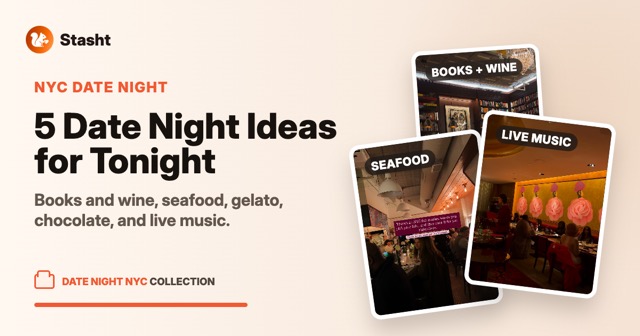





TikTok is very good at making a restaurant look worth the trip. The hard part is turning the video into a place you can use later: a name, an address, a map pin, and the original source with the dish or tip that made you save it.
If most of your restaurant ideas come from TikTok or Instagram, the best system is map-first. A video bookmark is useful when you want to rewatch. A map is useful when you are deciding where to eat.
The short version
To save TikTok restaurants to a map, each save needs four things:
- the restaurant name
- the address or neighborhood
- the original video link
- a way to show up when you are nearby or planning a trip
Google Maps lists can handle the map part if you are willing to add each place manually. Stasht is built for the automatic version: share the TikTok or Reel from your phone, or save it from Safari with the browser extension, and Stasht pulls out the place, pins it to your map, and keeps the source attached.
If you want the Stasht walkthrough, start with save places from TikTok and Instagram to your map. If you are comparing tools first, read the best apps to save places from TikTok and Instagram. If you already have the saves and need to turn them into dinner plans, read you saved the restaurant, here's how to actually go.
Why TikTok restaurant saves need a map
Restaurant saves are location decisions. The question is rarely "which video did I save?" It is usually:
- What did I save near me?
- What did I save in Brooklyn, Lisbon, Tokyo, or wherever I am going next?
- What was the dish I wanted to order?
- Which places are close enough to group into one night?
A date-sorted saved-video grid does not answer those questions well. A map does.
The manual version: Google Maps lists
The free version works like this:
- Save the TikTok or Reel.
- Find the restaurant name in the caption, comments, location tag, or on-screen text.
- Open Google Maps.
- Search the restaurant.
- Add it to a list like "Want to go."
- Paste the TikTok link into a note if you want the original context.
This is a solid setup when you save lightly. The tradeoff is that every restaurant costs a few extra steps, and those steps happen right when you were in the middle of watching something.
The automatic version: Stasht
This is what we built Stasht's save-places flow for.
You share a TikTok or Instagram Reel to Stasht. Stasht reads the caption, on-screen text, and speech in the video, then looks for the place signal. When it finds one, the restaurant lands on your map with the address, hours, links, and the original video attached.
That matters because the video is often the reason you cared in the first place. The map pin gets you there. The source tells you what to order, what time to go, or why the place caught your eye.
Here are a few real public TikTok saves so you can see the shape. Some are restaurants. One is just a scenic bench. One does not hand you the place cleanly in the caption. That is the point: if the save is tied to a real-world place, it should be able to live on a map.
If you find the restaurant while browsing in Safari, you can save it right from the browser instead of copying links between apps. The Stasht Safari extension sends the page or post into Stasht, where the same place extraction and map workflow can run.
What about videos with multiple restaurants?
Roundup videos are common: five ramen shops, ten date-night spots, a weekend food crawl. A single video bookmark is not enough there because each restaurant needs its own place on the map.
Stasht can split multi-place videos into separate places when the signals are available. Each spot gets its own pin, all linked back to the original video.
When a restaurant name is not obvious
Creators do not always make the place name easy. Check these signals first:
- location tag
- caption
- pinned comment
- on-screen text
- spoken intro or voiceover
- comment replies from the creator
If the name is only spoken or flashed on screen, that is exactly where OCR and transcription help. Stasht reads those signals so the save can become a place, not just a video.
How this fits with other place-saving apps
There are strong restaurant and travel save apps now, and the right choice depends on what you save. If you only want a restaurant map on iPhone, a places-first app might be enough. If your saves also include recipes, events, products, workouts, and travel ideas, a broader save app makes more sense.
We compare the options here: the best apps to save places from TikTok and Instagram. For the Stasht-specific flow, use save places from TikTok and Instagram to your map.
Common questions
Can I save TikTok restaurants directly to Google Maps? Not directly from TikTok in a full automatic way. You can save the video in TikTok, then manually search the restaurant in Google Maps and add it to a list.
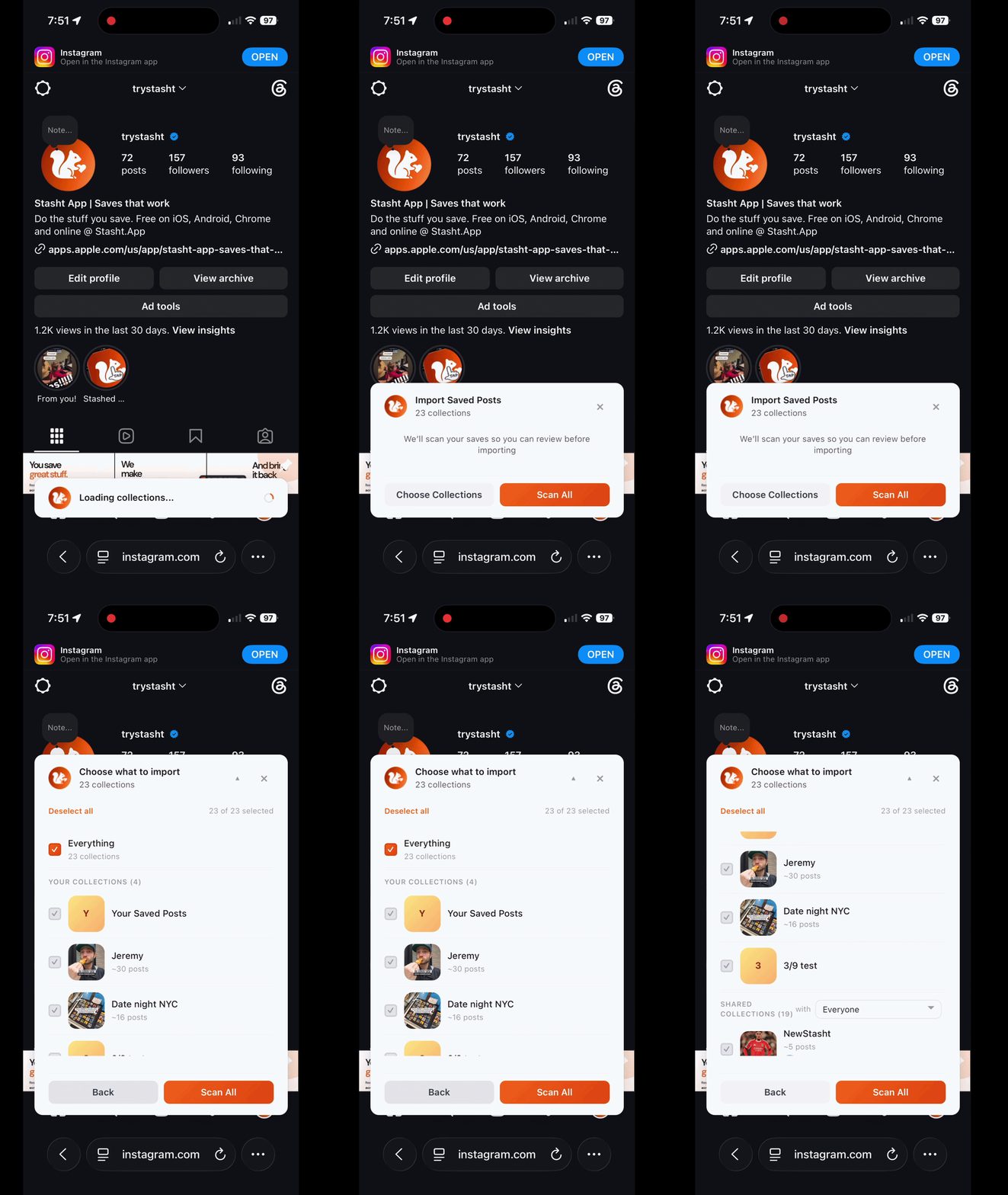
Can Stasht import restaurant saves I already have? Yes. Stasht can import existing saves from Instagram, TikTok, Reddit, YouTube, and Pinterest with Chrome on desktop or Safari on Mac, iPhone, and iPad, then organize them as they land. In Safari, log into the supported sites you want to import from, then bring those saves into Stasht.
Does Stasht download the restaurant video? No. Stasht keeps the useful details and links back to the original post. It is built for finding and using the save, not filling your camera roll with videos.
Does this work for travel planning? Yes. A map-first setup is especially useful for trips because you can open a city and see the restaurants, cafes, hotels, hikes, and places you saved for that destination.
What should I read next? Start with save places from TikTok and Instagram to your map. For a broader comparison, read the best apps for saving places from TikTok and Instagram. For the bigger restaurant workflow, read you saved the restaurant, here's how to actually go.