



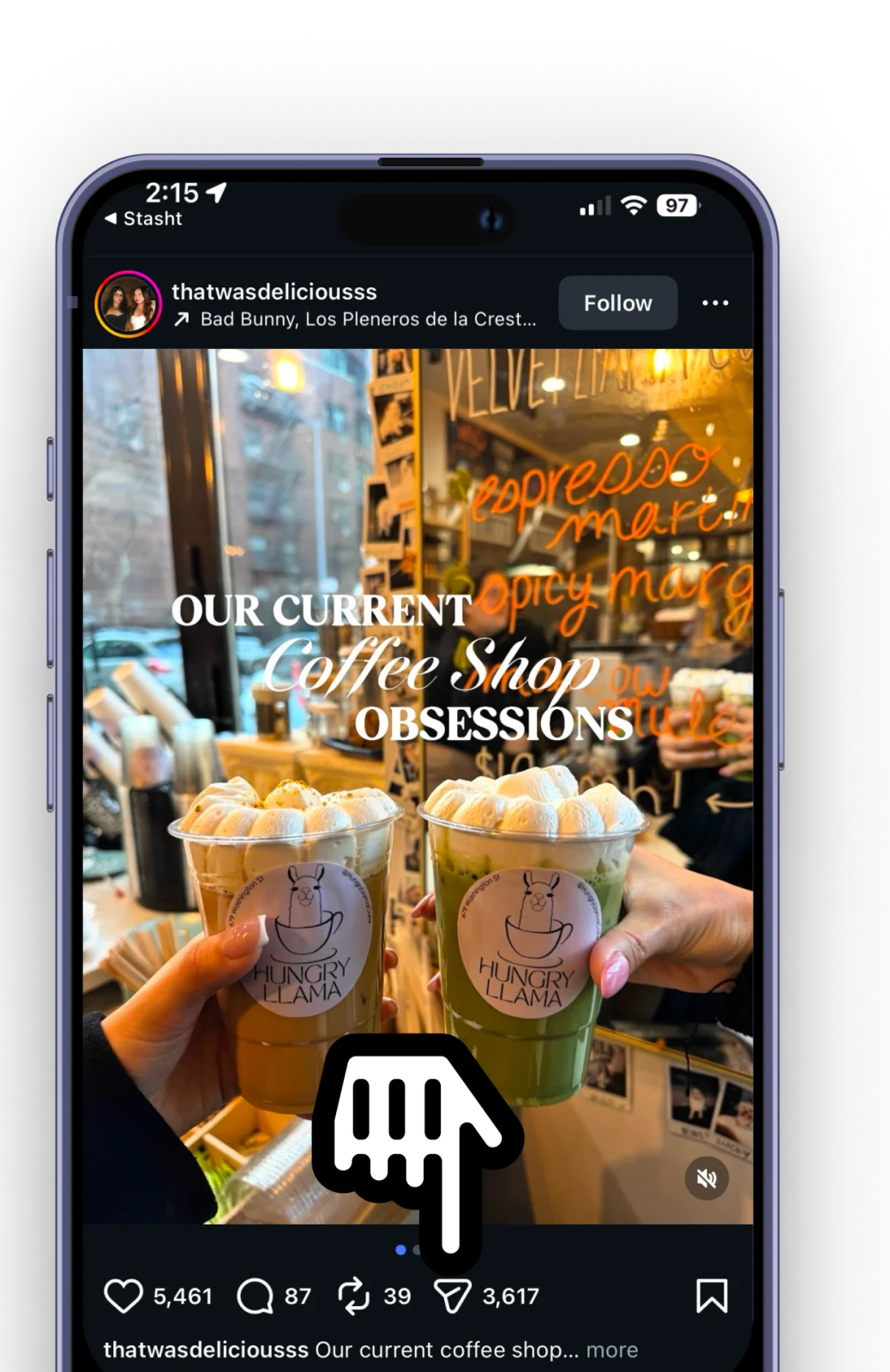



Save posts, screenshots, and links from Instagram, TikTok, and the web. Stasht pulls out the details and brings them back on your map, calendar, reminders, and search.
You save what you love.
Whatever catches your eye that you want to remember.

How it works
Save from anywhere
Stash posts, screenshots, videos, and links from Instagram, TikTok, X, YouTube, Pinterest, and the web.
Let Stasht pull out the details
Places, dates, recipes, products, text on screen, and speech in videos become useful, searchable cards.
Find it when you need it
Restaurants show up on your map, events fit your calendar flow, and reminders bring saves back on time.
See what others are stashing
Real stashes from real users, just like you.
Take a look around.
 Disney
Top 10 Disney World snacks to try
 Tech
TechArrays in JavaScript Explained
 Wellness
QC Spa New York’s Candlelight Concerts
 Shopping
Top 5 White T-Shirts for Men
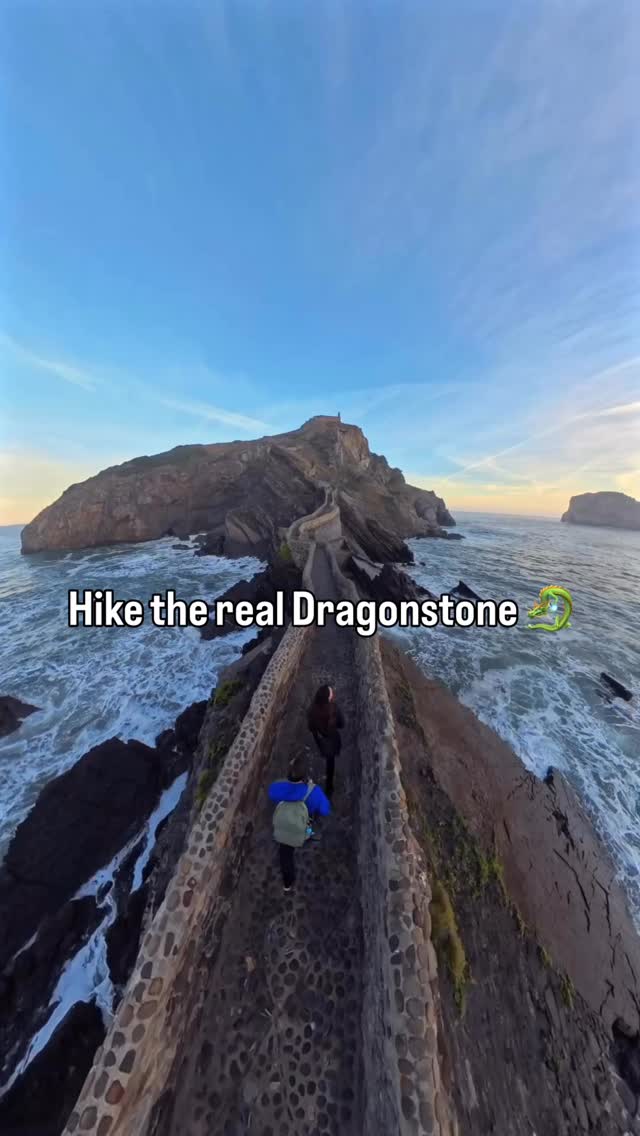 Travel
San Juan de Gaztelugatxe, Spain
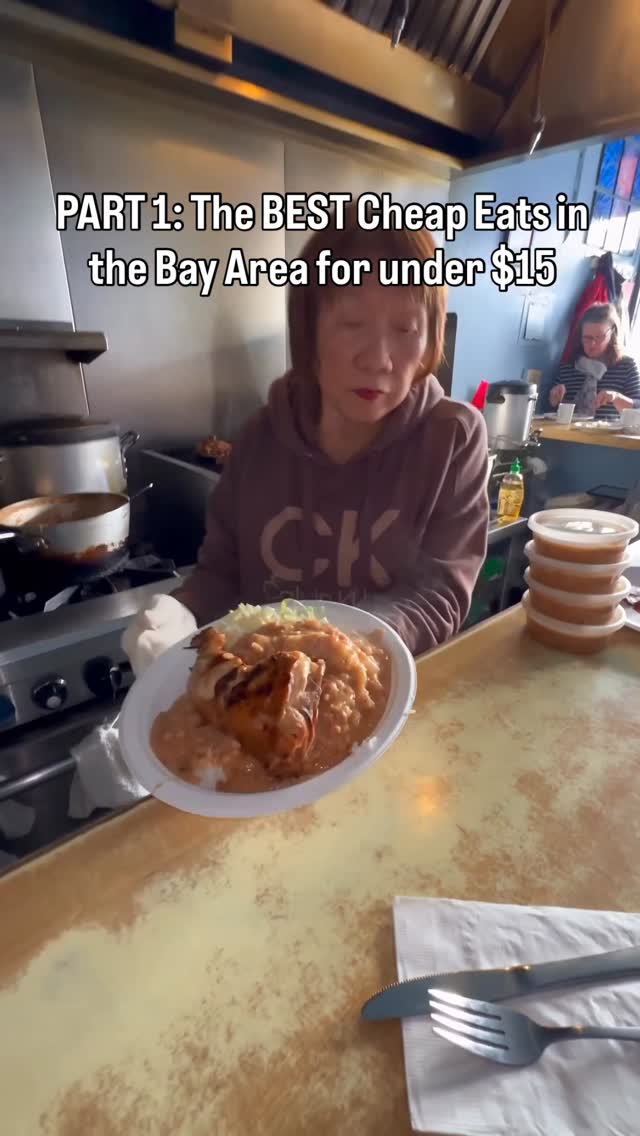 Nightlife
Cheap Eats in Bay Area: Part 1
 Fitness
Save and Find Workouts with Stasht
 Nightlife
Top 10 Sandwiches in NYC
 Family
Family-friendly hotel in Braunwald, Switzerland
 Recipes
Raspberry Cheesecake Bites Recipe
 Travel
BAPS Swaminarayan Akshardham: Largest Hindu Temple
 Tech
TechExplaining Business Ideas Simply
 Wellness
Onsen and dining in SF
 Nightlife
Garden of Laughs Comedy Event
 Family
Praising Effort Over Traits in Kids
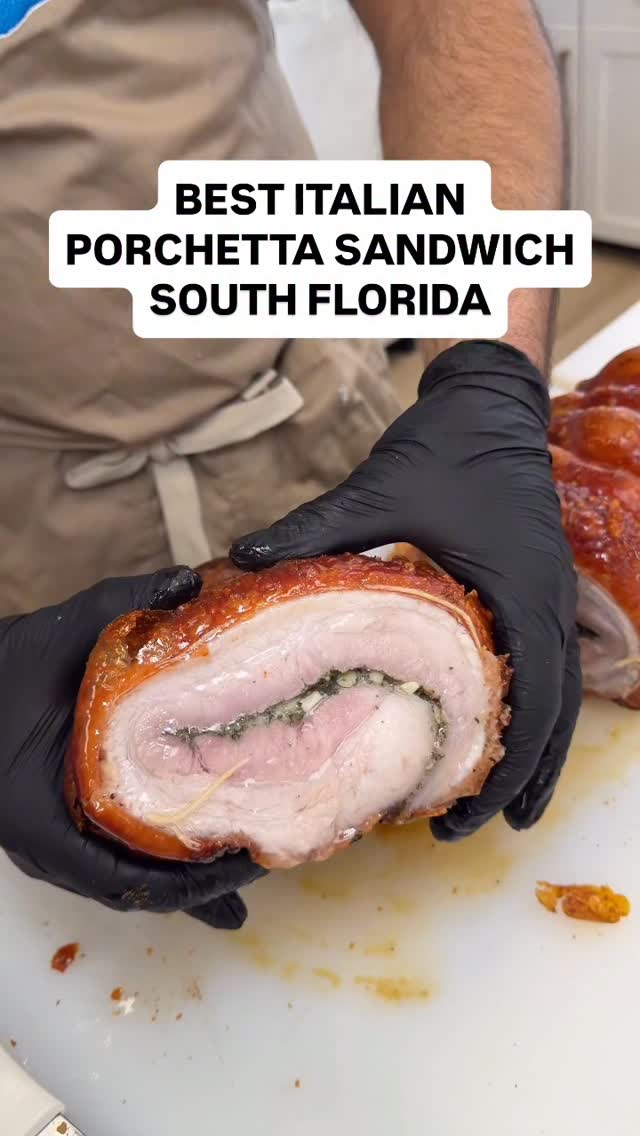 Nightlife
Italian Porchetta Sandwich at Cortura
 Tech
TechAI Emergent Behaviors Across Labs
 Family
NYC Activities with Kids at Pier 57
 Nightlife
Renegade Tech Comedians Roast
 Tech
TechAI-powered Python tool for web scraping
Guides for saves worth finding
Practical notes on organizing saved Reels, TikToks, restaurants, and the rest of the internet pile.
How to save TikTok restaurants to a map
Turn restaurant videos into places with names, addresses, source links, and map recall.
Where to find saved Instagram Reels
Open Profile > menu > Saved, then check All posts, collections, likes, and missing-post reasons.
How to find your saved TikToks
Where TikTok saves live, why they get hard to search, and how to build a better find-it-later habit.
The best apps for saving places from TikTok
A practical comparison for people turning restaurants, bars, and trip ideas into places they can use.
Already saving on other apps?
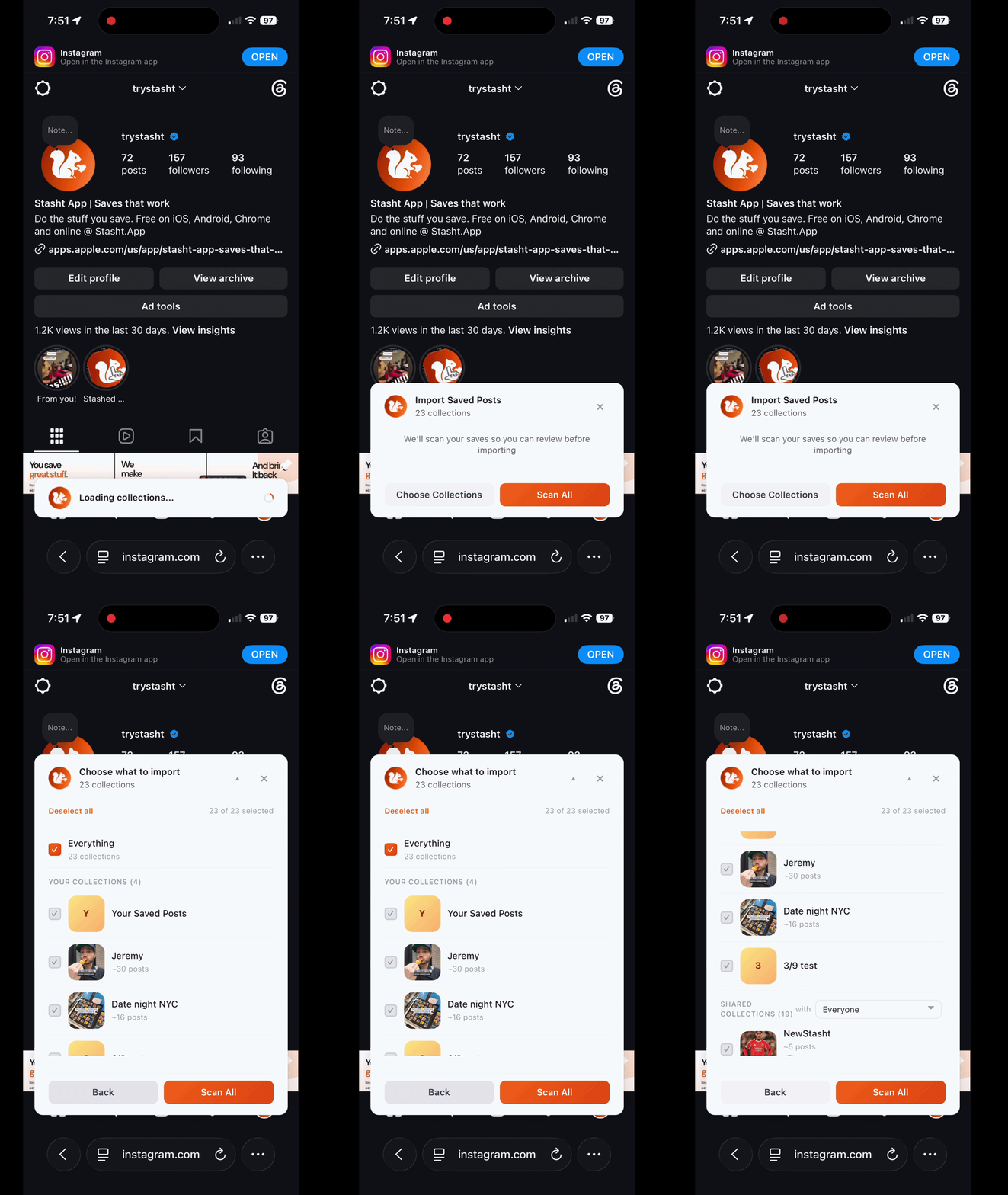
Everything you've saved on Instagram, X, TikTok, Reddit, YouTube, Pinterest, and the web — imported in one click and automatically organized.
Use Chrome on desktop or Safari on Mac, iPhone, and iPad to bulk import old saves. In Safari, log into supported sites to import, or send pages and posts into your stash while you browse.
Finally, saves that work.


Free on iOS, Android, and desktop.
Frequently AskedQuestions
New app, lots of questions. Here are the ones we hear most.
What is Stasht?
What platforms does Stasht work with?
Can I import saves I’ve already made on other apps?
What devices can I use Stasht on?
How is this different from saving posts on Instagram?
Is Stasht free?
Can businesses or content creators use Stasht?
Still have questions?
So go ahead. Stash it. Make your saves worth it.
Free on iOS, Android, and desktop.