 Stasht
Save places from Instagram straight to your map.
You find great spots on Instagram. Stash the Reel, carousel, or Story screenshot, and the places we identify land on your map, ready when it matters.


Free on iOS, Android, and desktop.
The whole carousel, not just the cover
Stash an Instagram carousel and every slide comes with it, so the full cafe roundup stays together. Copy the text off any slide, or jump back to the original post on Instagram.

Instagram Saved is a grid, not a map
You find great places on Instagram. A ramen spot in a Reel, a coffee crawl across ten carousel slides, a rooftop bar from a Story you screenshotted. You tap save, and each one lands in Instagram Saved as a cover frame.
Saved has no map, no neighborhood browse, and no search bar just for your saved posts. Collaborative collections aren't available on desktop, and private collections can't be shared by link. It's not your fault. The tools just weren't built to do anything with what you saved.
Your saves, on a map
The restaurants, cafes, bars, hotels, and shops we identify in your Instagram finds land on your personal map. Browse by neighborhood, filter by category, or just see what's around you right now.
Every detail, pulled out
Addresses, open hours, and links come along when they're available, plus a View on Instagram link back to the original post. No folders. No sorting. No work on your part.
Bring the collections you already built
Bulk import your Instagram Saved collections with Chrome on desktop or Safari on Mac, iPhone, and iPad. Collection names stay intact, and everything gets automatically organized the moment it lands.
Share a list with anyone
Turn a date-night list or a trip plan into a shared or public Stasht collection. It opens from a normal link on any phone or computer, no Instagram login required.
Real Instagram saves, stashed
A cafe that turns into an izakaya at night, a list of laptop-friendly cafes, and an island chapel on Spain's coast. Open any card to see what came with it.
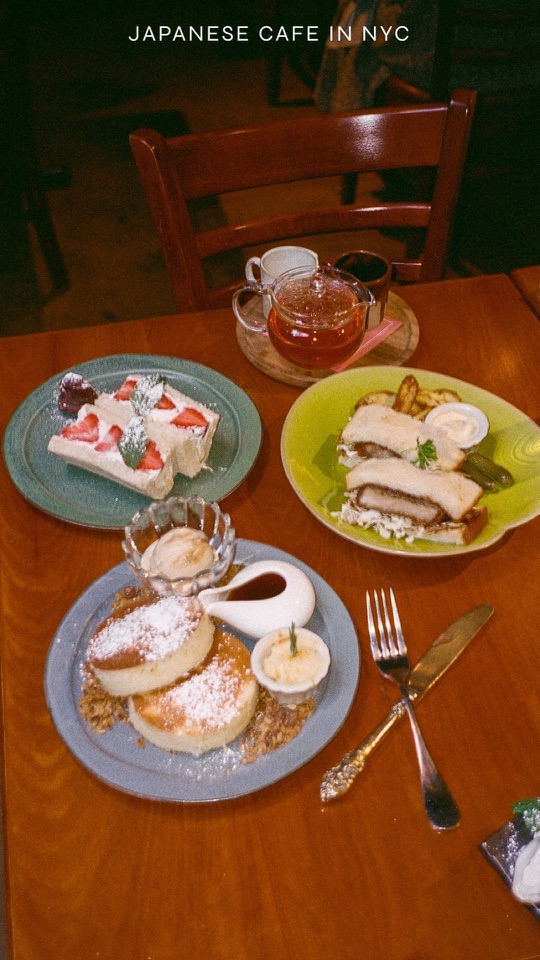
Hi-Collar, Japanese café by day and izakaya by night
An East Village Reel about a Japanese spot that pours coffee by day and becomes an izakaya at night.
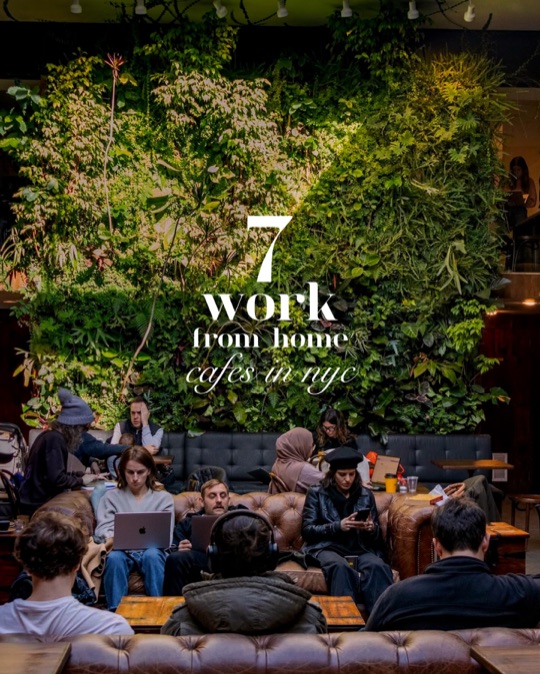
NYC Cafes For Remote Work
A seven-cafe Instagram carousel for laptop days around New York.
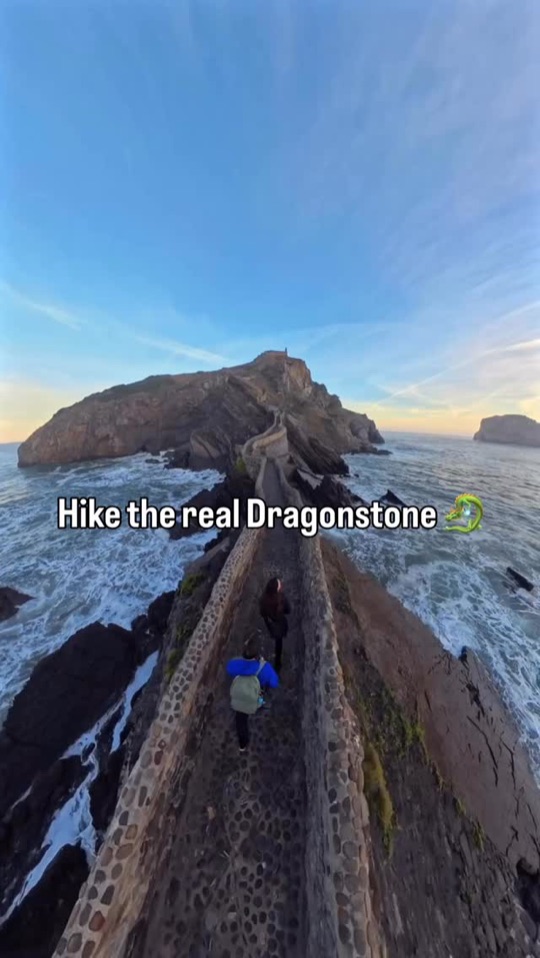
Explore San Juan de Gaztelugatxe
A Spain travel Reel about the island hermitage on the Basque coast.
How it works
Stash it from Instagram
Tap share on a Reel, post, or carousel, or share a Story screenshot, and send it to Stasht in two taps.
We pull out the places
We read the caption, the text on slides and video, and what's said out loud, then pin the places we can identify.
Saves find you
Open your map in a new neighborhood, pull up a list for a friend, or search a word you remember.
Frequently Asked Questions
Can I save places from Instagram to a map?
Will every place in a carousel get a pin?
Can I import my existing Instagram Saved collections?
Can I share a place list with someone who doesn't use Instagram?
How is this different from saving posts on Instagram?
Is Stasht free?
Keep reading
Get Stasht
Free on iOS, Android, and desktop.